Sense
Begin with the signal: distance, touch, gesture, sound, serial input, or any component the prototype can observe.

Aether gives designers a visual way to connect inputs, conditions, outputs, media triggers, serial messages, and reusable Capsules while the implementation remains close enough to inspect.
Designer content now starts like Aether AI: a compact hero, then a staged workflow that explains how the canvas turns intent into buildable behavior.
Begin with the signal: distance, touch, gesture, sound, serial input, or any component the prototype can observe.
Use readable branches, switches, thresholds, delays, and mode controls before the behavior becomes code.
Drive lights, motors, sound, media, serial messages, or board output while keeping the visible flow intact.
Wrap a successful behavior as a Capsule with exposed parameters, notes, and hardware checks for the next project.
Designers can stay in the visual workflow while still seeing the hardware mapping that makes the prototype buildable.
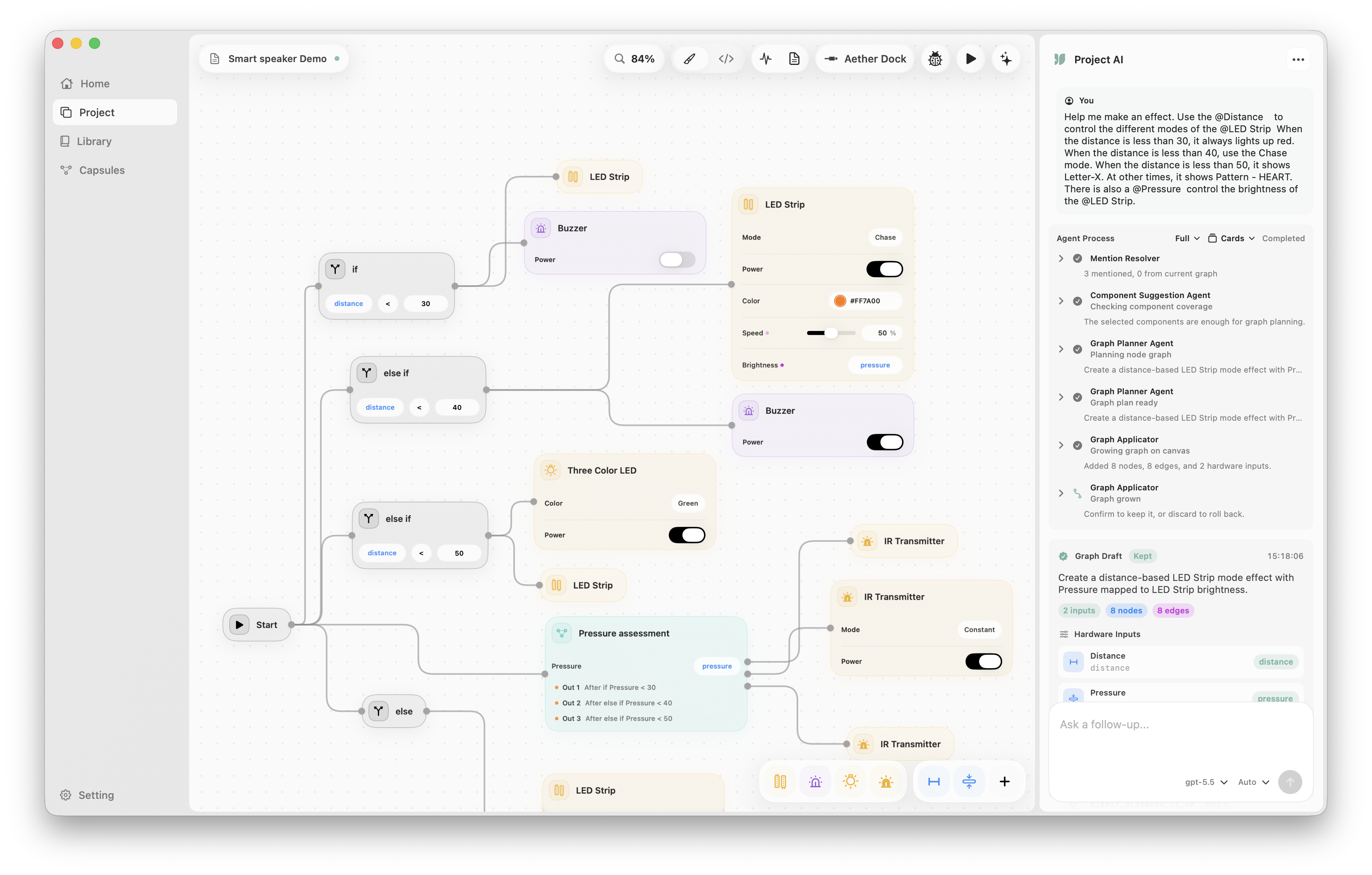
Drag, connect, select, copy, paste, undo, redo, pan, and zoom while the behavior stays understandable to designers and developers.
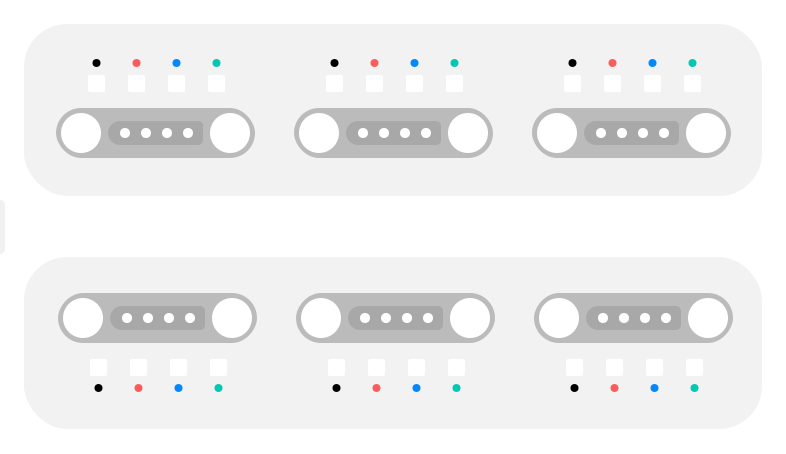
Aether supports Aether Hub, Arduino Nano-style mappings, Arduino Uno, Arduino Mega 2560, ESP32, and ESP8266 presets without moving designers out of the graph.
Insert Sense inputs, Logic nodes, Act outputs, and Capsules from one command surface.
Pull from a node and Aether prioritizes likely next steps based on graph context and hardware setup.
Drag, connect, select, copy, paste, undo, redo, pan, and zoom while the project remains inspectable.
Assign components to Aether Hub ports or board pins while the graph remains the main surface.
Capsule notes, exposed parameters, and testing instructions stay attached to the reusable behavior.
Generated sketch output and upload status stay near the visual prototype.
Use the same visual prompt-card language as Aether AI, but focused on physical interaction design work.
Sketch a distance-triggered light pulse with threshold, fade, and delay controls.
Turn a gesture-to-media prototype into a Capsule another designer can reuse.
Map a touch sensor to PORT 2 and preview the generated behavior before upload.
Use recommendations to continue a flow after a condition node.
Expose brightness and timing controls without opening the internal graph.
Keep a hardware checklist attached to a reusable interaction block.
Sketch a distance-triggered light pulse with threshold, fade, and delay controls.
Turn a gesture-to-media prototype into a Capsule another designer can reuse.
Map a touch sensor to PORT 2 and preview the generated behavior before upload.
Use recommendations to continue a flow after a condition node.
Expose brightness and timing controls without opening the internal graph.
Keep a hardware checklist attached to a reusable interaction block.